Buy with Prime converts at a measurably higher rate on DTC sites, but brands that treat it as a simple toggle are the ones that end up with split shipments, catalog sync failures, and margin erosion they never planned for.
This is not a feature you evaluate in isolation. It is an operational commitment that touches your supply chain, your fee stack, and your inventory strategy simultaneously. Understanding what actually happens after launch is what separates brands that profit from the program from those that quietly turn it off six weeks later.
What Buy with Prime Actually Does
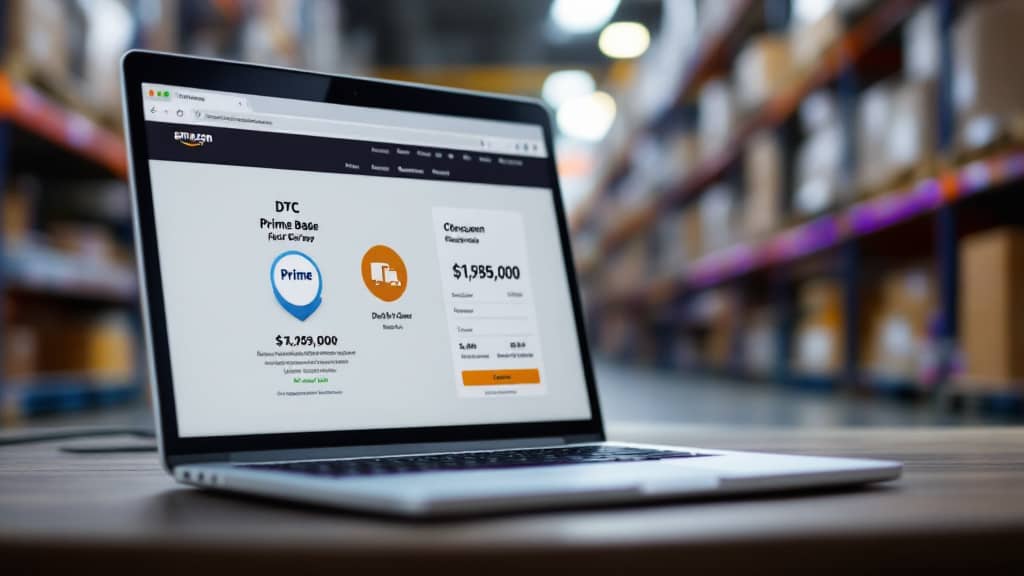
A Prime member lands on your DTC site, sees the Prime badge with a delivery estimate, and checks out using the payment and shipping details already saved in their Amazon account. Amazon's Multi-Channel Fulfillment infrastructure picks, packs, ships, and handles returns using inventory already sitting in its network. Your brand keeps the storefront. More importantly, Amazon shares the customer's name, email, address, and phone number with you after the sale. That post-purchase data access is a meaningful departure from how standard Amazon.com orders work, where third-party sellers receive almost nothing about who actually bought.
The conversion lift is real. Brands consistently report that Prime-badged checkout outperforms standard DTC checkout, partly because saved payment details reduce friction and partly because the Prime trust signal carries weight with shoppers who might otherwise hesitate on an unfamiliar site.
The Eligibility Requirement Most Guides Understate
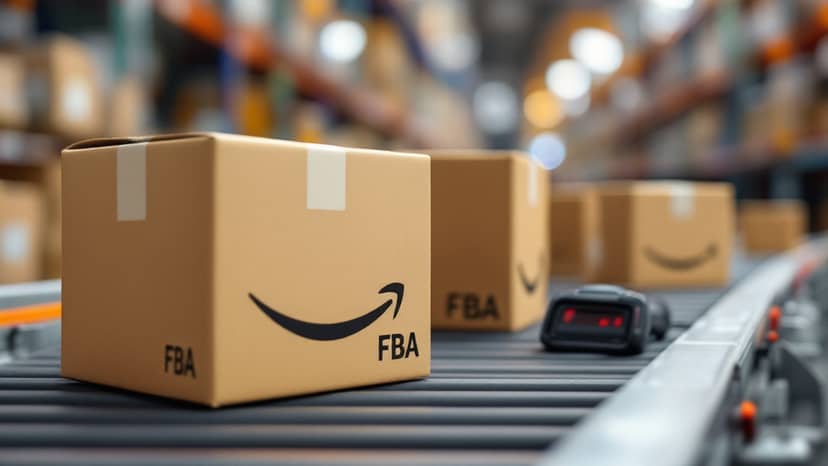
Your inventory must physically sit inside Amazon's fulfillment network before you can enable Buy with Prime on a single SKU. FBA, Multi-Channel Fulfillment, or an Amazon Supply Chain account all qualify. This requirement is non-negotiable because the program's delivery promise depends entirely on Amazon controlling the warehouse, the pick-pack operation, and the last-mile carrier relationship.
For brands not already in FBA or MCF, enabling Buy with Prime effectively means restructuring part of your supply chain first. That is a longer lead time than most brands budget for. If you are promising a launch date to a marketing team, build in several weeks of operational runway before that conversation happens.
Account structure also matters. A Professional Seller Central account works if you already sell on Amazon.com and want a shared inventory pool across both channels. An Amazon Supply Chain Portal account is cleaner if you sell only on your own site or want tighter listing control. The trade-off is that some features, including Reviews from Amazon, are not available through the Supply Chain Portal path.
The Fee Stack: What You Are Actually Paying
Buy with Prime fees stack across four buckets: a service fee on each transaction, payment processing, fulfillment through MCF rates, and storage. The service fee alone runs approximately 3.5% of the sale price per order. Add MCF fulfillment fees, which scale by item size and weight, and monthly or long-term storage costs, and you are looking at a total cost structure that can approach or exceed what you pay for a standard Amazon.com sale depending on your average order value and product dimensions.
The brands that get surprised are the ones that modeled only the service fee without accounting for the full MCF rate card. A partner worth working with models the complete landed cost before you commit inventory, not after you have already enrolled a catalog. This is the kind of structural fee analysis that separates an operator-led partner from an advice-only consultant who hands you a checklist and moves on.
If your Amazon margins are already under pressure, layering Buy with Prime without first addressing your core fee and ad cost structure is building on a weak foundation. Margin recovery on Amazon is often the prerequisite work before any channel expansion makes financial sense.
Inventory: One Pool, Two Channels, Real Risk
Shared inventory between Amazon.com listings and Buy with Prime is efficient on paper. In practice it means a promotional spike on one channel can stock out the other. Brands running both channels from a single inventory pool need tighter reorder modeling and faster supplier response times than most teams have built.
The catalog sync requirement adds another layer. Your product details, pricing, and availability need to stay consistent across your DTC site and the Buy with Prime widget. Sync errors surface as orders that process but cannot fulfill, or as price discrepancies that create customer service volume you were not staffed for. These are operational realities that emerge in week two, not during the integration demo.
What a Real Operating Partner Does Differently
An agency billed on a percentage of ad spend has a structural incentive to grow your media budget, not your net margin. A tool-only vendor gives you a dashboard but no operator judgment when the catalog breaks. A distributor that never runs the agency engine holds your inventory but cannot diagnose why your conversion rate dropped after you changed your listing.
An operator-led partner looks at Buy with Prime as one component of a full-channel strategy, not a standalone activation. That means modeling fee stacks before enrollment, stress-testing inventory against promotional scenarios, and connecting DTC performance back to your Amazon presence as a unified growth engine rather than two separate cost centers.
Brands scaling past seven figures need a partner with aligned incentives. Billing on gross revenue rather than ad spend means the right partner wins when you win, not when your budget grows. That structural difference shapes every operational decision that follows, including whether Buy with Prime belongs in your channel mix at all right now, or whether it is a 90-day priority after your core unit economics are solved.
The Question to Ask Before You Enable It
Before activating Buy with Prime, the right question is not whether it will lift your DTC conversion rate. It probably will. The question is whether your supply chain, fee structure, and catalog operations are stable enough to absorb a new fulfillment dependency without compressing the margin gains the conversion lift was supposed to deliver. If you are not certain, that is the gap a real operating partner closes before the integration starts, not after.